
Getting started
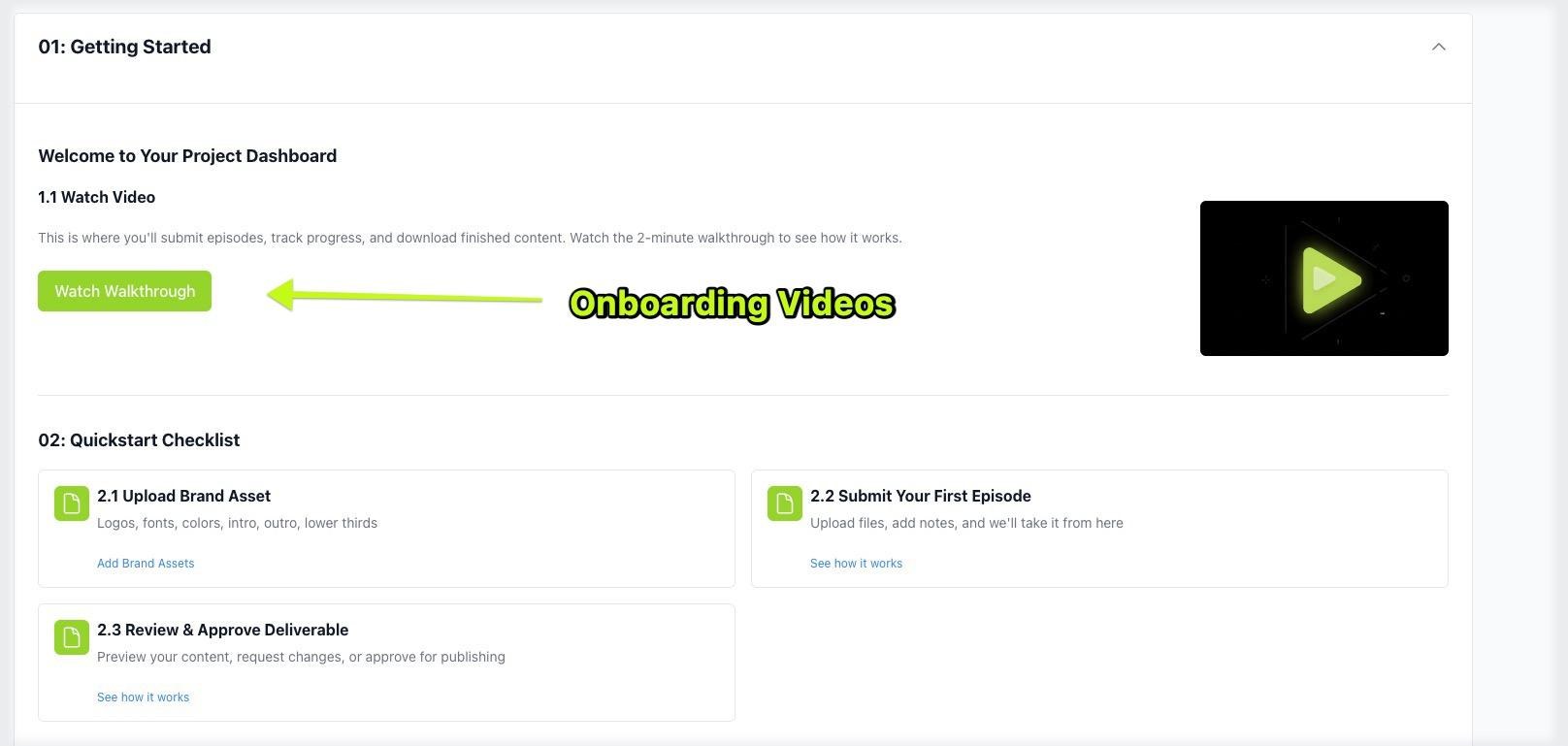
Log in to your Project Tracker. It’s where you send episodes and message us.
Steps
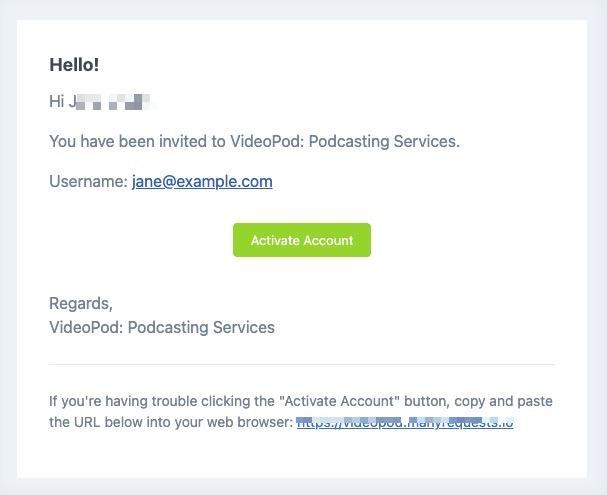
- Open the invite email from Videopod.
- Click Activate Account and set a password.
- Log in at videopod.manyrequests.com/login. Bookmark it.
Quick answers
No invite email?
Check your spam folder after 5 minutes. Still nothing? Click Forgot Password on the login page.
How do I know it’s my turn?
You get a notification. Review means your edit is ready.
Related
Still stuck?
Message us in your project’s Activity tab.