Review your edit
Your edit is ready when the status says Review.
Steps
- Open the review link (Frame.io).
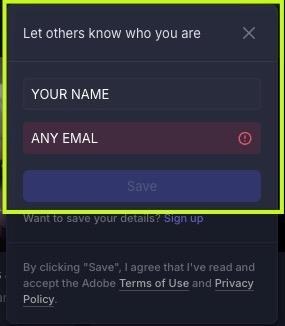
- If asked, type your name and any email. Click Save.
- Pause at the spot you want changed and type one clear note.
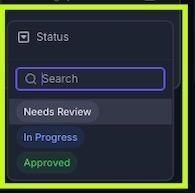
- Set each file’s Status:
- Changes needed: Needs Review
- All good: Approved
- Once it’s approved, click Download Asset (top right).

Tip
“Trim the first 5 seconds” works. “Feels off” doesn’t.
Quick answers
How many rounds of changes?
2. Send all your notes for a round together.
Related
Still stuck?
Message us in your project’s Activity tab.